Cookie and Policy Management is the module of Privacy Tools which monitors cookies and trackers, displays the consent banner, and publishes privacy policies with versioning.
Manage cookies, policies, and consents in one place, ensuring compliance, traceability, and transparency for data subjects.
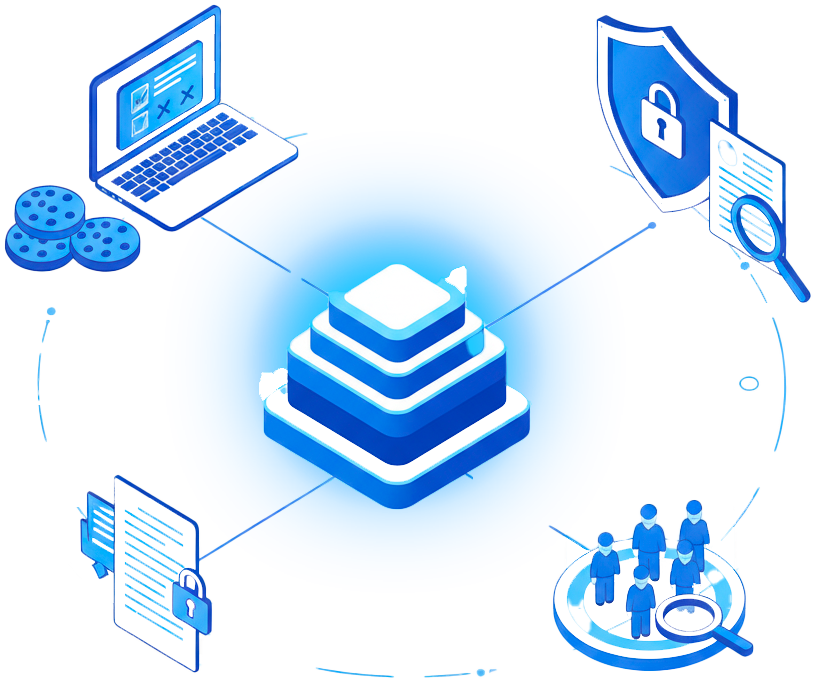
Outdated cookie banners. scattered policies, fhigh level of evidence. They can expose your organization to regulatory risks and undermine the trust of data subjects.
A cookie management and policies This is an essential step in maintaining a structured and auditable privacy program.
Explore the features that make this solution complete, practical, and efficient.

Automatically detect and categorize cookies, keeping reports ready for audits.
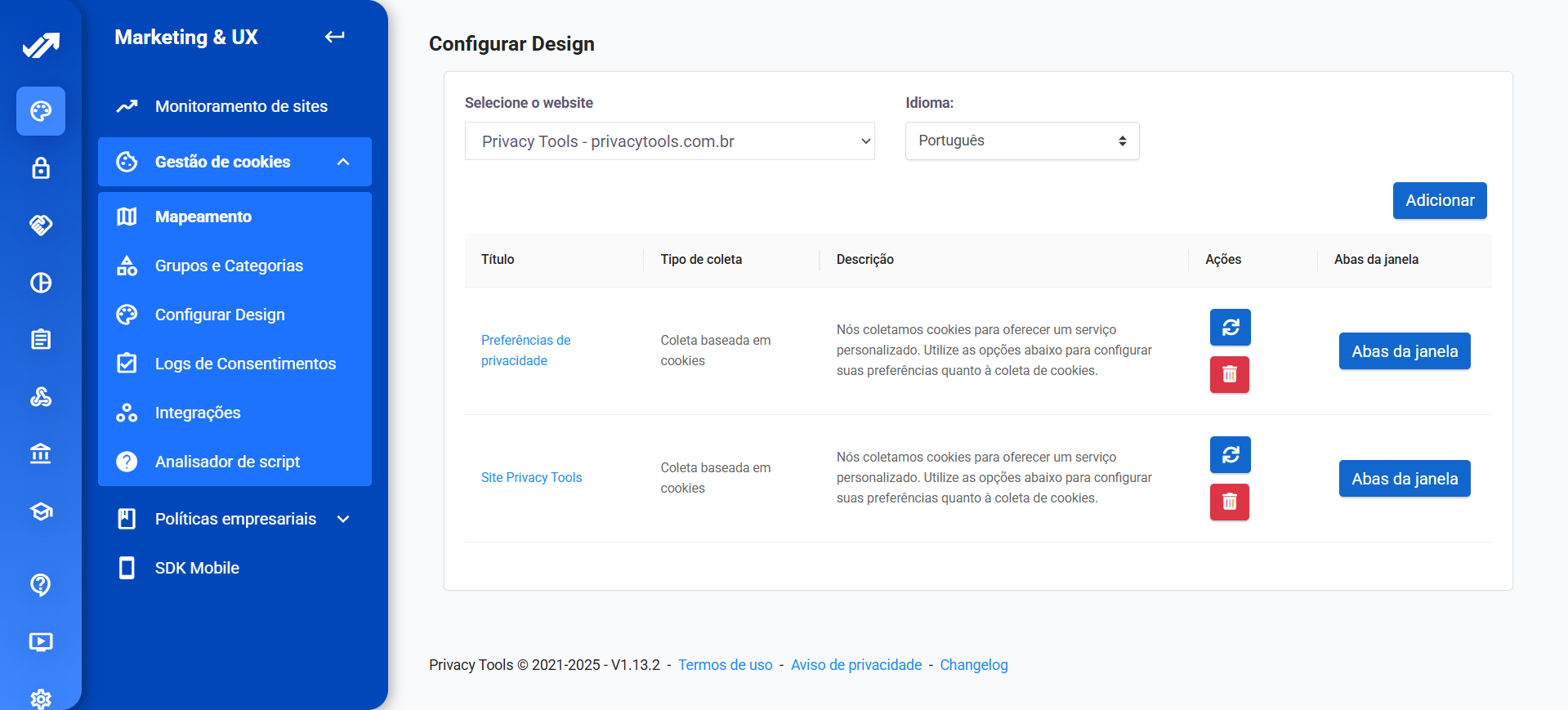
Configure cookie notices that align with your brand's visual identity, in a clear and responsive way.
Ensure that cookies are only activated after the user's request, respecting their choices.
Create, update, and publish policies in one place, with version control and change logs.
Record the date, time, location, and preferences of the data subjects in a traceable way, facilitating audits.
Ready-to-use scripts and expert support for rapid implementation in your digital environments.
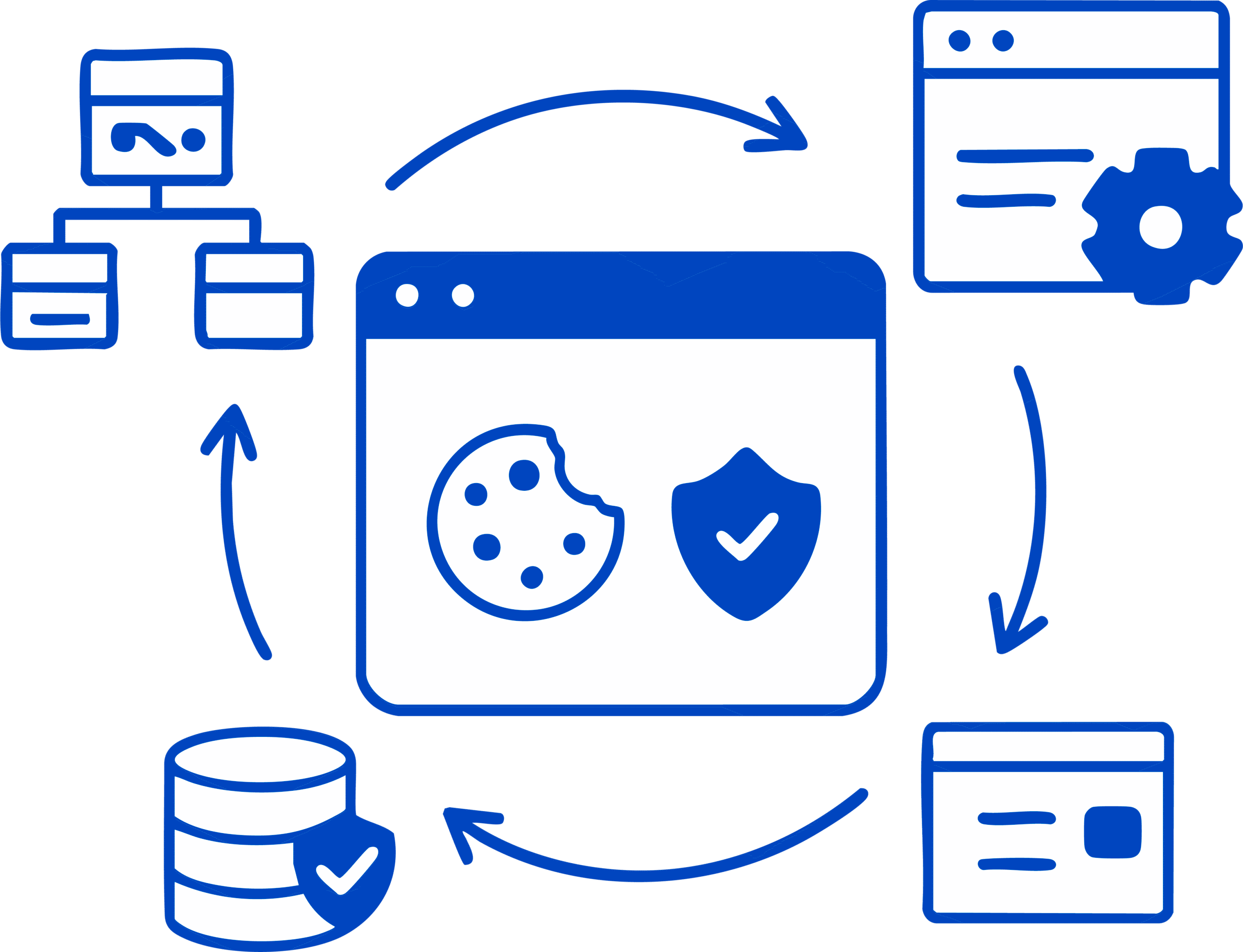
A Privacy Tools acts as a Intelligent proxy for personal data in your digital environments., identifying cookies, managing user preferences, and ensuring that only consented data is collected and processed.
You customize and publish banners and policies, collect and record consents, and keep your policies up-to-date with traceability, without manual processes and without complexity for your team.
This module is ideal for organizations that maintain multiple websites, portals, applications, and landing pages and need to prove that each visitor was informed and had the opportunity to choose before any non-essential cookies were activated. This is the case for retailers and e-commerce businesses with loyalty campaigns and programs, media groups with dozens of portals, healthcare, education, and financial institutions with self-service pages, and public bodies with multiple domains. It also serves marketing teams that frequently change analytics and media tools and need the banner to adapt to these changes without rework.
In practice, the module is operated jointly by the Data Protection Officer (DPO), the digital marketing area, and the IT team or agency that manages the websites: the DPO defines categories, texts, and policies; marketing monitors the effects on consent; and IT handles script installation and integrations.
A LGPD It treats the browsing identifier as personal data (art. 5, I) and requires that all processing have a legal basis (arts. 7 and 11), be transparent (art. 6, VI, and art. 9) and allow the data subject to revoke consent at any time (art. 8, § 5). ANPD Guidance Guide on Cookies It details what is expected of a banner: clear information by category, a real option to opt out, and a record of the choice. GDPR The ePrivacy Directive imposes the same for transactions with users in Europe.
Organizations that prefer support on this journey rely on... Guided Implementation of Privacy Tools.
The module interacts with other modules on the platform: the preferences registered in the banner feed into the... Consent Management and become visible to the holder in Privacy PortalThe published policies are the same as the Data Mapping reference in treatment activities; and the Workflow This can trigger a review task whenever a policy is changed. Interaction reports and version history are exportable for internal audits, certifications, and responses to authorities. See the full list at [link to full list]. Integrations.
Cookie management was the gateway to several privacy programs supported by Privacy Tools. In FIEMGCookies, policies, and customer service channels were launched on the portals within 60 days, in the first phase of the project. Banese It adopted Cookie Management and Policy Management alongside Data Mapping and Data Discovery for its 800 users. Unimed Ceará It started with the cookie module to adapt the cooperative's website, and the RBS Group and D'Or Network They use the module across all their portals.
It monitors and identifies cookies and trackers on your websites, allowing you to create consent banners aligned with your brand, with automatic cookie blocking until consent is obtained. Furthermore, it manages the creation, updating, and publication of privacy policies and terms of use in one place, with traceability and version control.
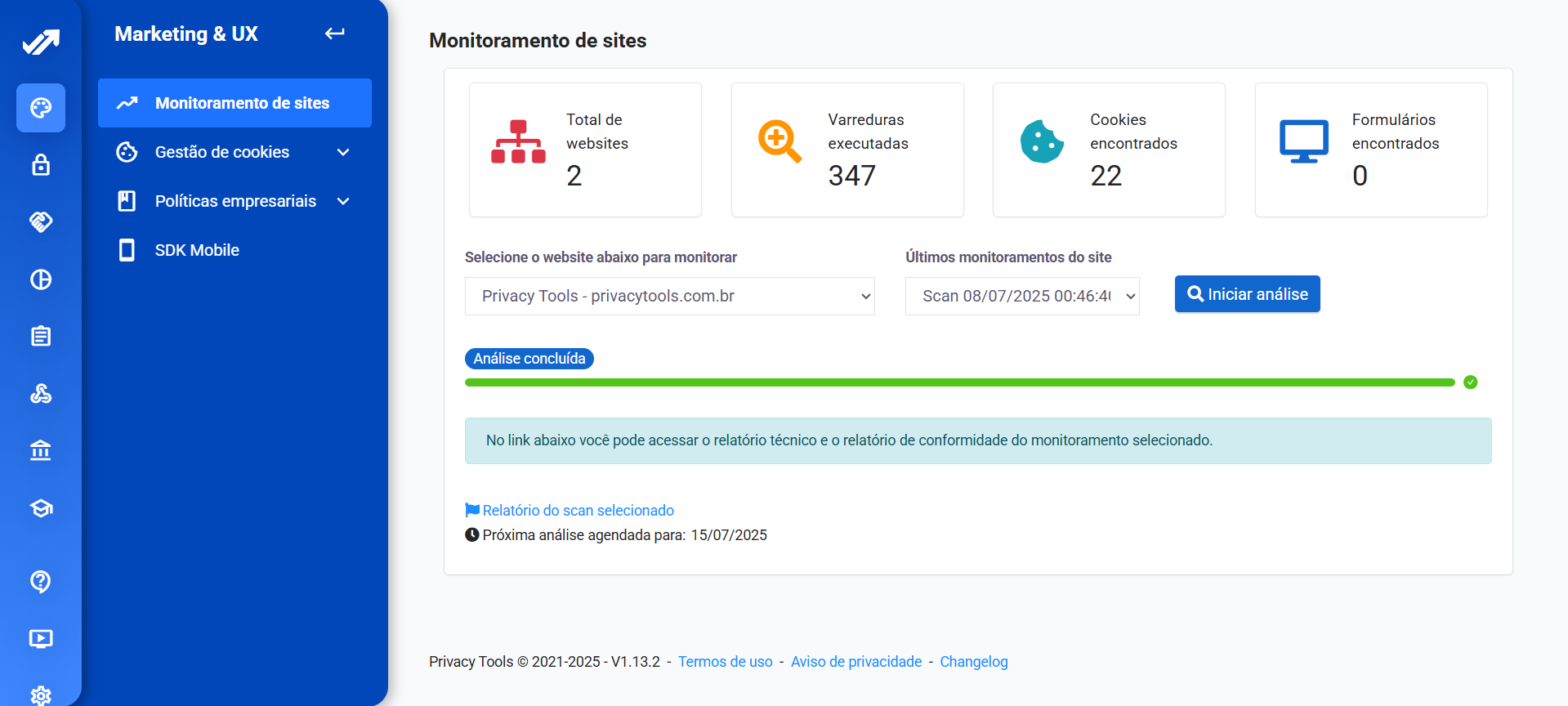
After registering their websites, the Privacy Tools It performs automated scans to identify cookies and trackers, categorizing them and generating detailed reports. This helps the DPO and IT team maintain visibility over active cookies and adherence to the principles of minimization and transparency outlined in the [relevant legislation/regulation]. LGPD e GDPR.
The tool automatically detects new cookies or changes to existing ones during periodic scans, ensuring you can quickly update warnings and adjust blocks, maintaining continuous compliance without relying on manual processes.
You configure customizable banners (colors, text, positioning) and the system automatically blocks cookies until the visitor provides or denies consent. Interactions are recorded with date, time, location, and preferences, generating evidence for audits.
The solution allows you to create, update, version, and publish privacy policies and terms in a structured way, maintaining control over versions and change history. You can also customize publication pages with your brand's visual identity and facilitate access to clear information for data subjects.
Yes. Privacy Tools It provides ready-to-use scripts for insertion into your website and technical support throughout the setup process, ensuring fast and secure implementation without negatively impacting the user experience.
To compare the types of tools on the market, see the guide to... best tools for LGPD.
Yes. The banner informs you of the cookie categories, allows you to accept, refuse, or configure each one, blocks non-essential cookies until you choose one, and records your response with the date and time, which are the points addressed in the ANPD Guidance Guide on cookies and personal data protection.
Yes. Each registered website has its own scan and banner, and the text can be adapted by website and language, while maintaining the brand's visual identity. The evidence is separated by domain.
Automatic blocking targets scripts that create non-essential cookies: they are only loaded after consent is given. The visitor's choice is recorded and can be changed at any time via the banner itself.
Policy management centralizes the creation, review, and publication of privacy policies and terms of use, with version control. It's possible to know which text was public on each date and document the change for audits.
No. It covers the layer of websites and applications (cookies, banners, policies). The inventory of processing activities and ROPA are done in Data Mapping, and the two modules complement each other in the privacy program.
Schedule a demo and see how... Privacy Tools It can help you structure and automate privacy governance in your operation.