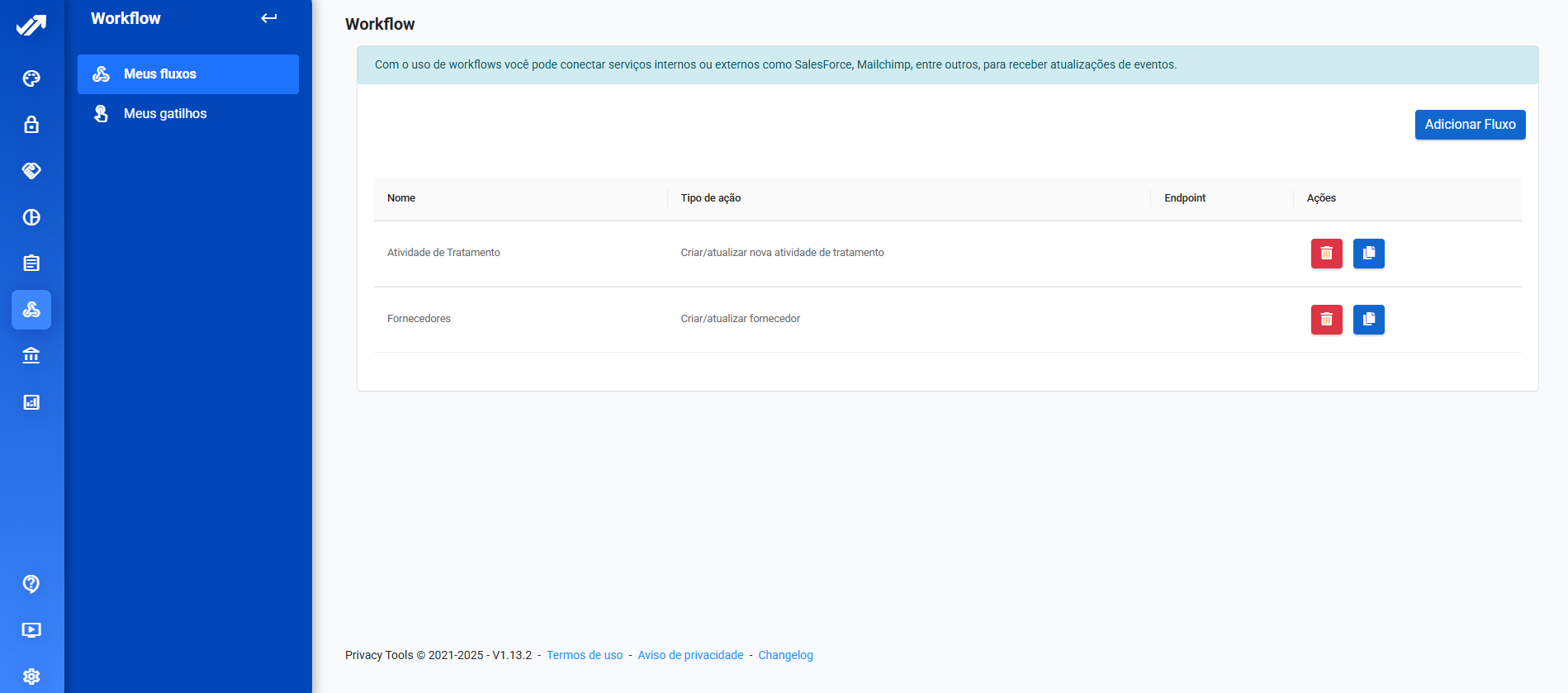
Workflow is the module of Privacy Tools which automates privacy and governance workflows with triggers, tasks, approvals, and API integrations.
Structure automated workflows for policies, incidents, consents, and more.
Define rules, create tasks, integrate APIs, and eliminate repetitive manual tasks.
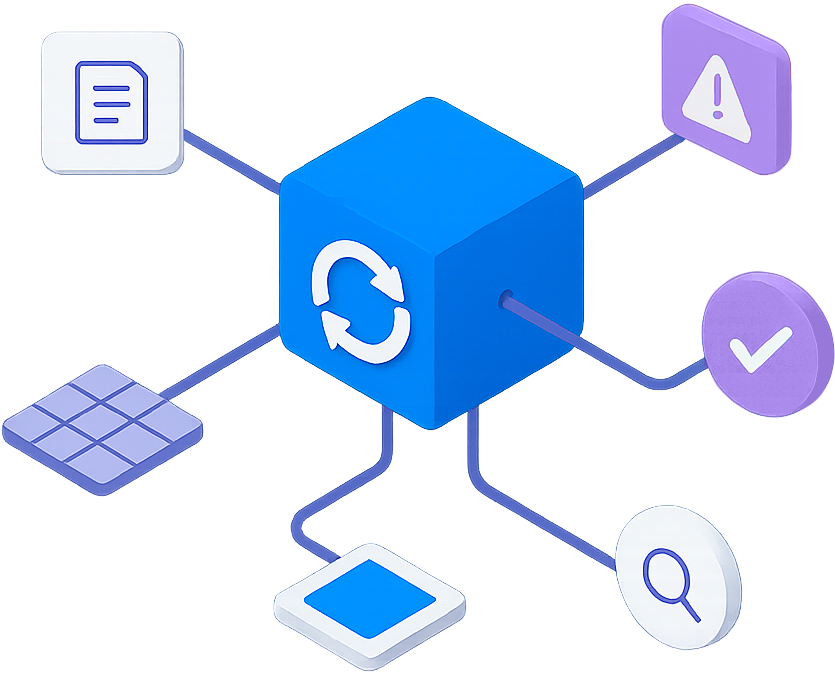
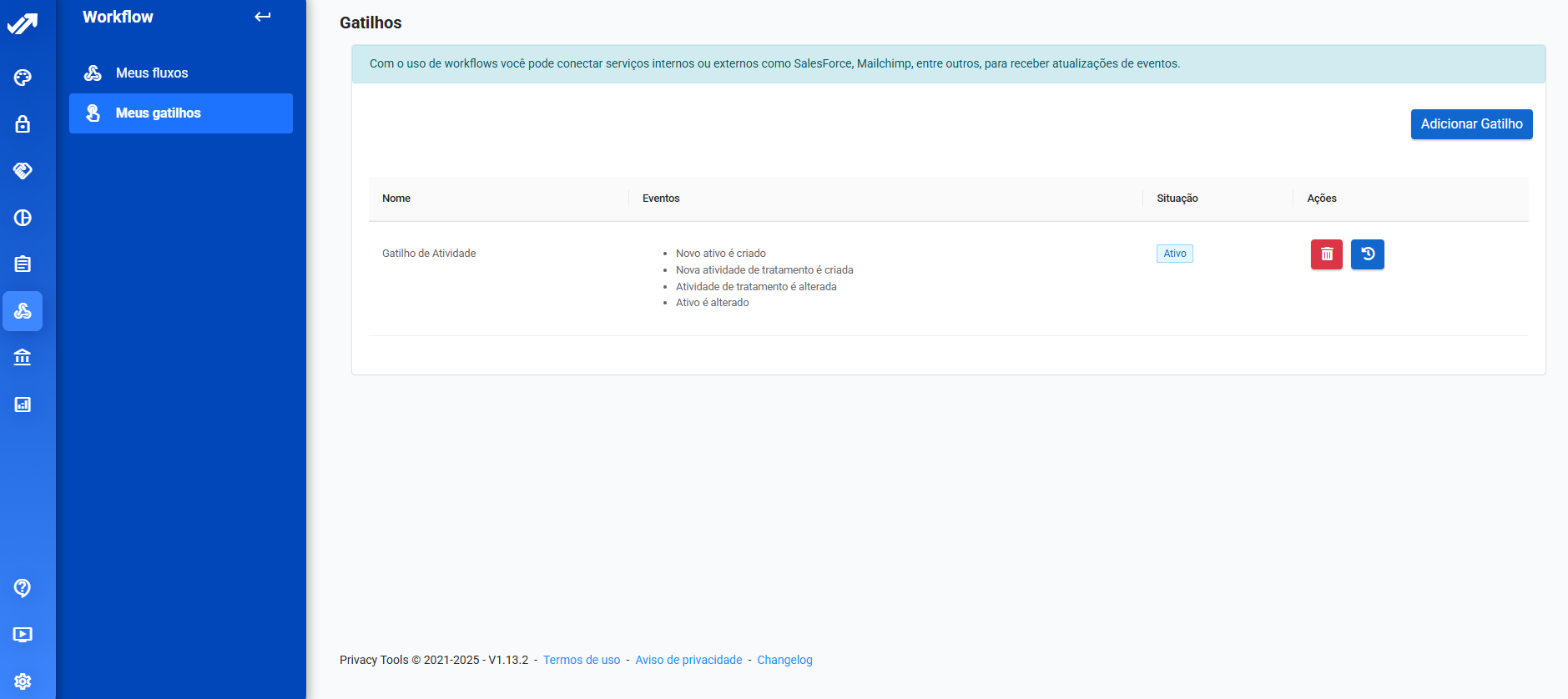
The Workflow feature of Privacy Tools It allows you to create automated workflows based on predefined triggers and conditions.
By connecting actions between different modules of the platform, you reduce operational errors, speed up deliveries, and strengthen traceability.
Examples of use:
Explore the features that make this solution complete, practical, and efficient.
Trigger automatic actions based on events (e.g., policy creation, new incident, status change, etc.).
Create tasks, edit assets, send emails, or integrate with external APIs such as RD Station, Hubspot, Mailchimp, etc.
It allows one flow to be executed from another, transmitting variables and results in a chained manner.
Configure custom phases for incident handling and view their progress in real time.
Track the progress of tasks on a visual dashboard, with assigned tasks, deadlines, and status.
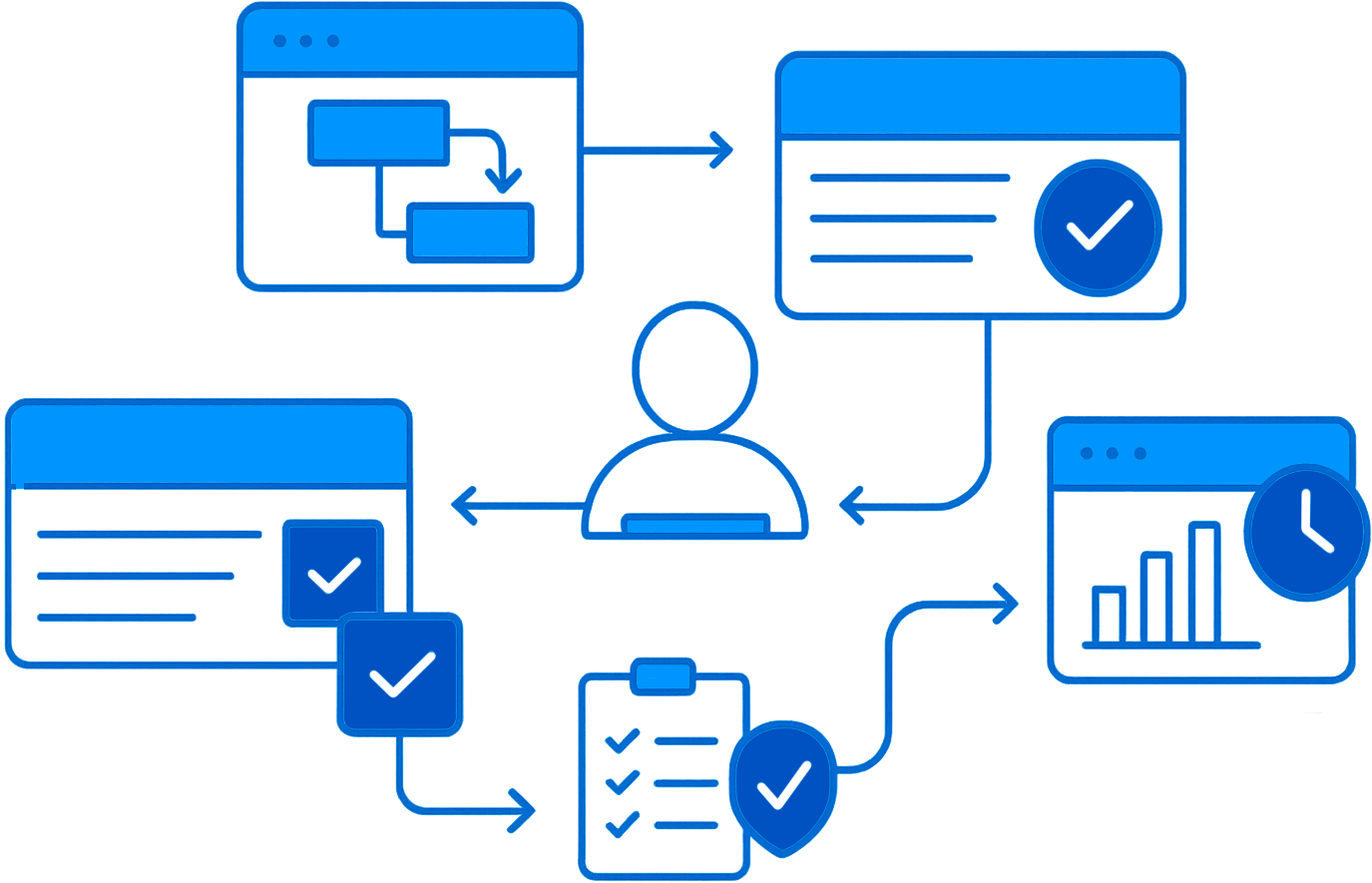
Workflow is ideal for organizations where the privacy program depends on many people and deadlines: incidents requiring a response within business days, policies requiring review and approval, expiring consents, processing activities needing periodic review, suppliers needing re-evaluation, and new employees needing training. It caters to lean teams that can't keep track of everything manually and large groups needing to standardize processes across departments and units.
A LGPD It imposes deadlines (response to data subjects, art. 19; incident reporting, art. 48 and ANPD resolution) and requires a constantly updated governance program (art. 50, § 2º, I, “i”). Deadlines and recurring reviews are exactly what automation does better than a to-do list: Workflow creates the right task, for the right person, at the moment it's triggered.
Workflow connects actions between the Incident Management, Policy Management, Consent Management, Data Mapping, Risk Management, the Audits and Training, and with external systems through CRM and marketing integrations listed in IntegrationsEach execution is recorded, which documents that the process took place on schedule.
A Linx They chose the platform to "improve and automate their processes, making them less and less manual and prone to error." Mills It unified "numerous day-to-day company processes into a single solution." Learn more. success cases.
It's a feature that creates automated workflows based on triggers and conditions you define, connecting actions between platform modules to reduce operational errors and eliminate repetitive manual tasks.
Events such as the creation of a policy, a new incident, or a change in the status of an item, among other customizable triggers.
Create tasks, edit assets, send emails, and integrate with external APIs such as RD Station, HubSpot, and Mailchimp. A flow can also execute another, transmitting variables and results in a chained manner.
Yes. The visual Kanban-style dashboard displays assignees, deadlines, and statuses, and incident handling phases can be configured and monitored in real time.
With the platform's modules that generate events and tasks, such as policies, incidents, and consents, integrating actions between them.
No. The flows are built on the platform with configurable triggers, conditions, and actions. Integration with external APIs uses existing connections (RD Station, HubSpot, Mailchimp) and the platform's API.
Yes. A registered incident can automatically trigger assessment tasks with the ANPD's three-business-day deadline, and the handling phases are visible on the Kanban board.
Yes. The execution of chained flows allows one flow to trigger another, transmitting variables and results, to processes in multiple stages.
The visual Kanban-style dashboard displays assigned tasks, deadlines, and statuses, and is also reflected in Business Intelligence indicators.
With the platform modules that generate events, such as policies, incidents, consents, processing activities, risks, audits, and training, according to the modules contracted.
Request a demo and see how the Workflow feature can accelerate your compliance journey.